Backup messages
element messages are encrypted on your device. You need to backup the encryption keys in order to read the messages from another device.
How the backup works
All your messages are encrypted by keys generated on your device. The keys are backed up on the homeserver.
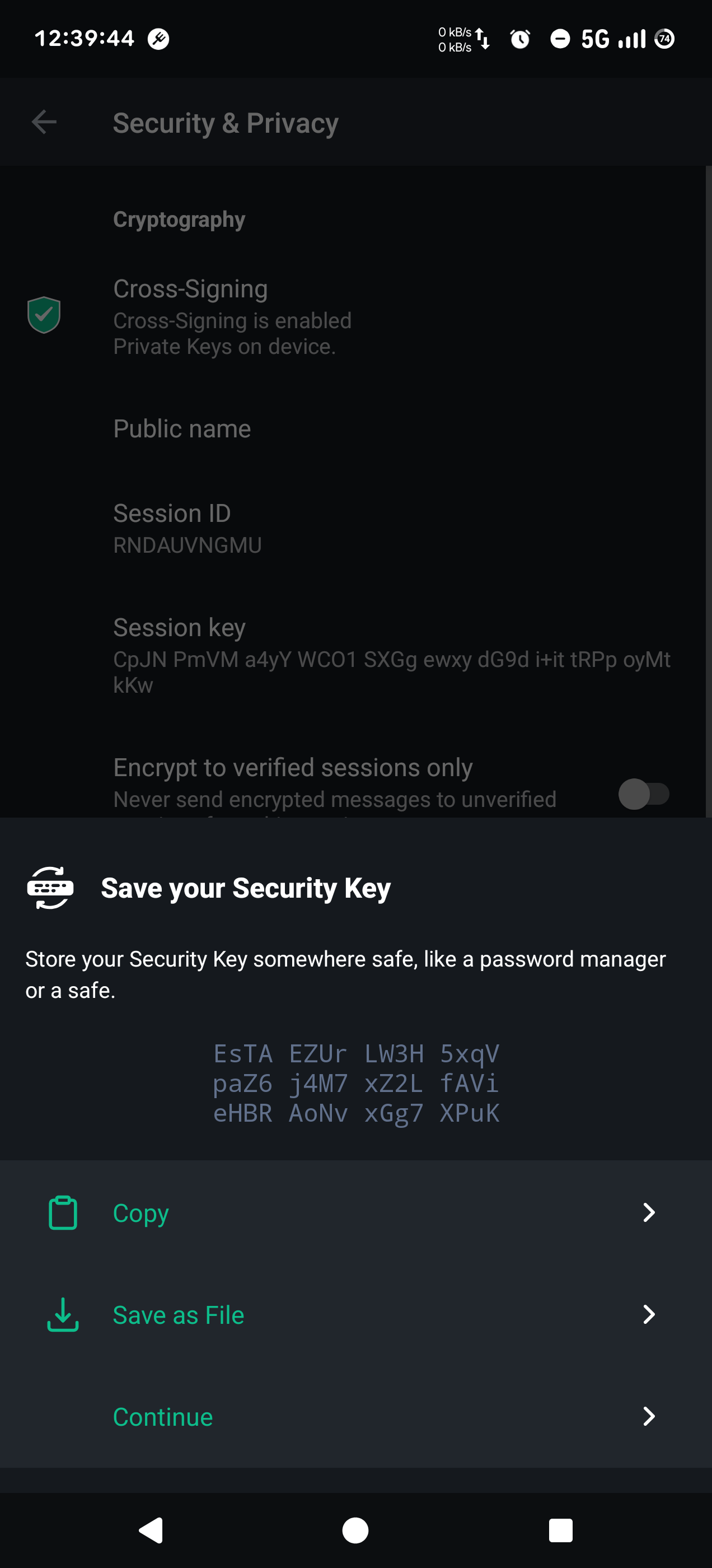
The backup itself is also encrypted with a Security Key that only exists on your device. You need to download it and store it somewhere safe in case you lose or break the device.
If you install element on a second device you need to unlock the backup:
- with the Security Key. This is needed when you lost access to the first device.
- by cross-verifying the second device with the first device.
The Security Key
The Security Key will be displayed with spaces: EsTz mqAK k5Gg 88W2 DkBt 4RHM B1Rn 9vLs sSmc B8sp iPUE vVoe
When you use this key to restore the backup, make sure you remove the spaces: EsTzmqAKk5Gg88W2DkBt4RHMB1Rn9vLssSmcB8spiPUEvVoe
Generate a Security Key
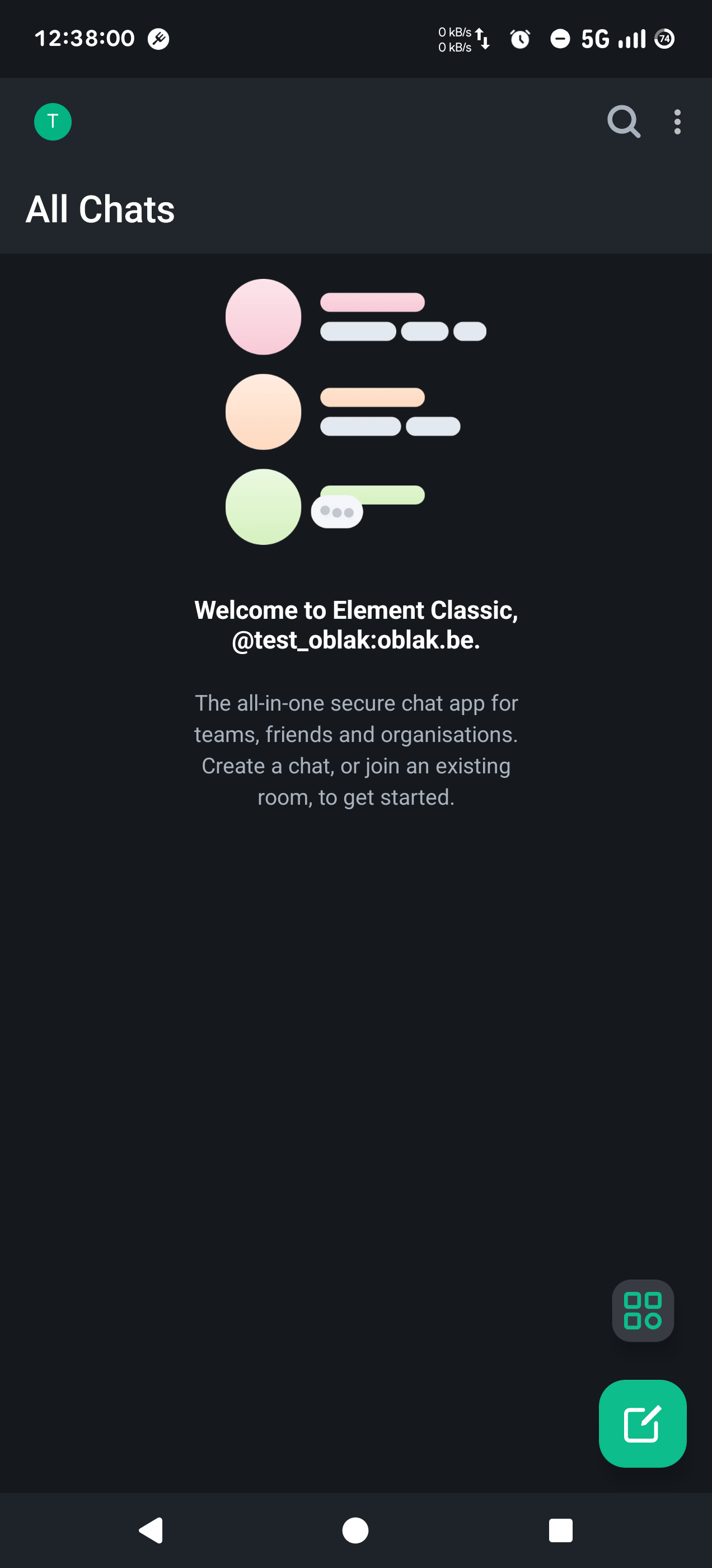
Tap your avator (top left) in the homescreen to open the Settings menu
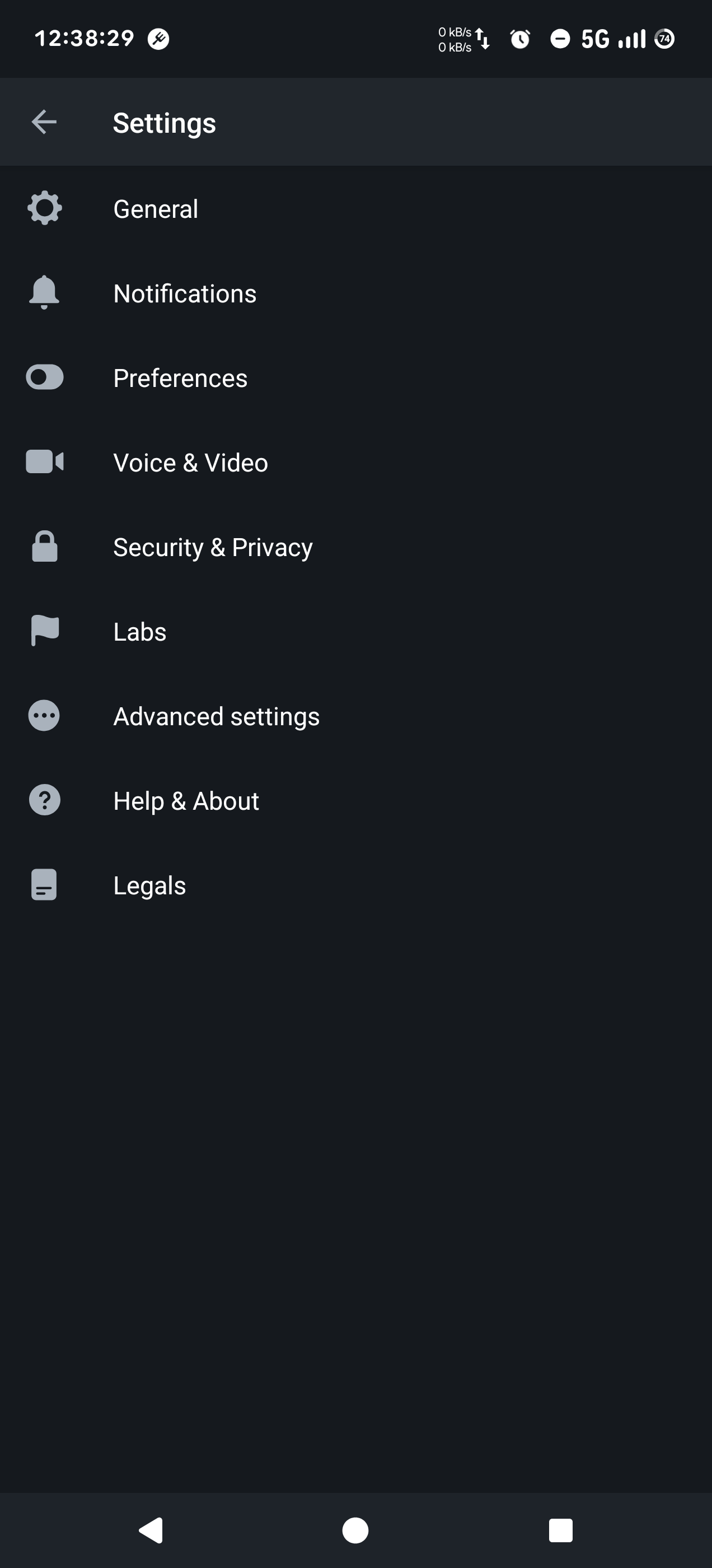
Look for Security and Privacy
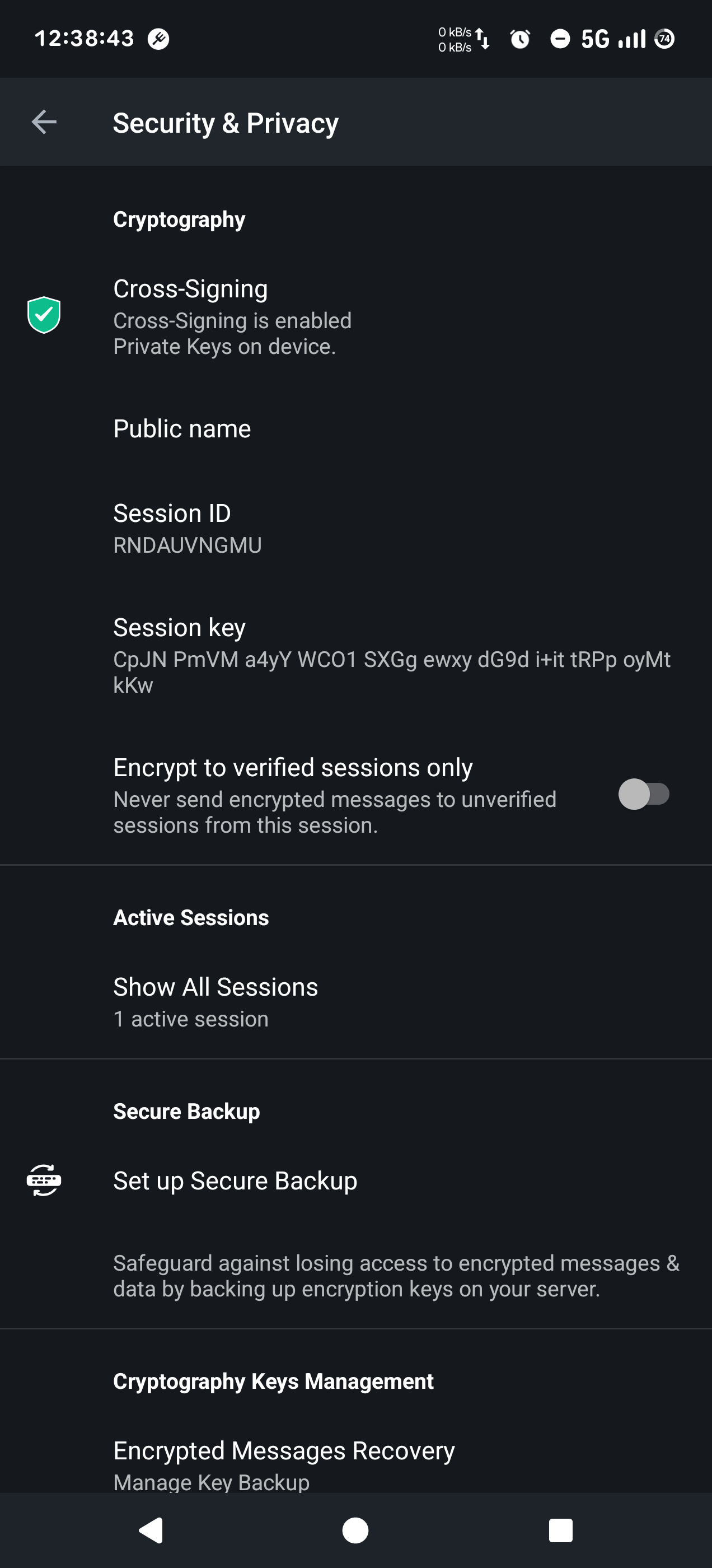
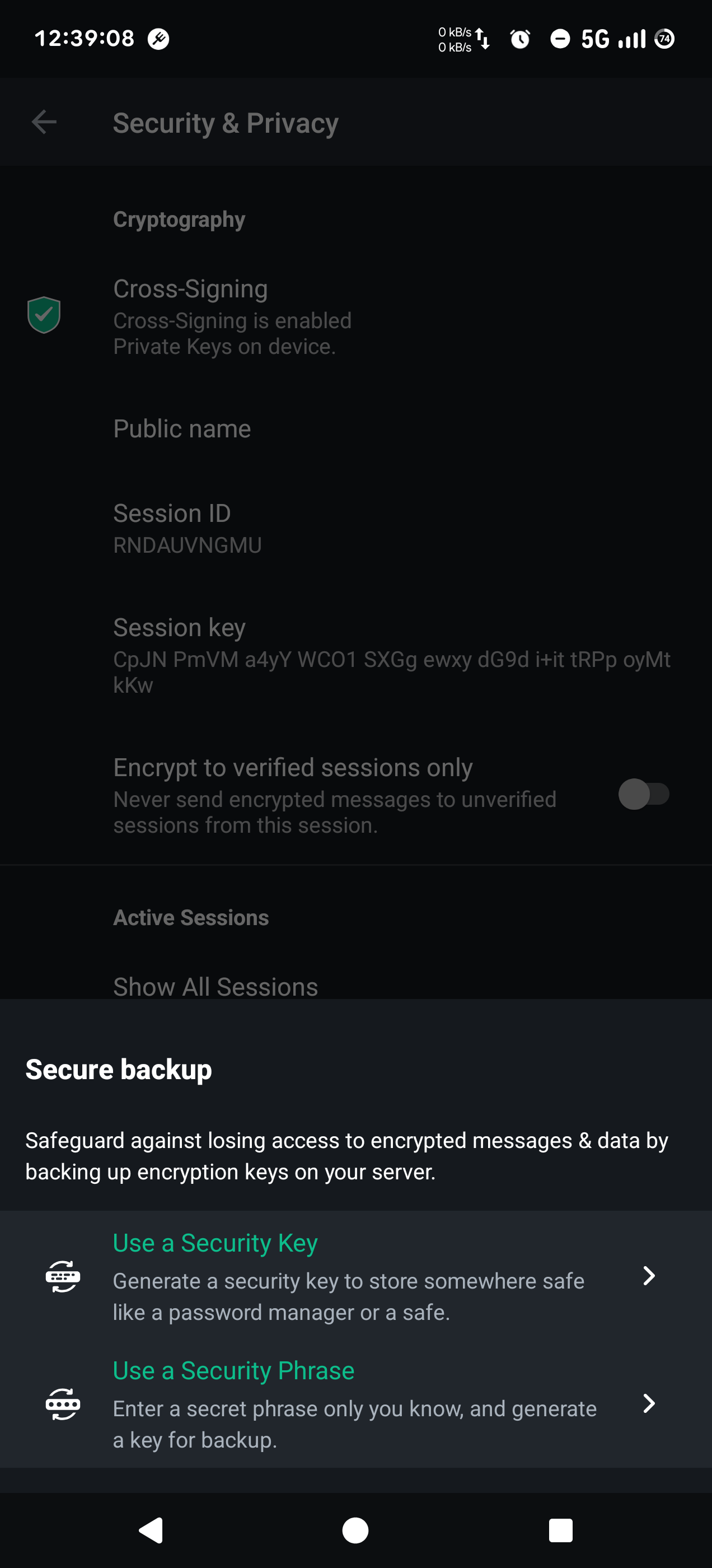
Tap Set up Secure Backup
Choose the option Use a Security Key
Tap Save as File to download the key to your device. Don't forget to store it somewhere else, so you don't lose it if you break your device. Click continue when you are finished.