Configure element
Configuring the element app is not that hard. We'll guide you trough the steps.
If you haven't downloaded element first, go to install element first and then come back here.
The screenshots were taken from an android device, but you will have to follow the same steps on other devices (even if some screens look a little bit different).
Configure account
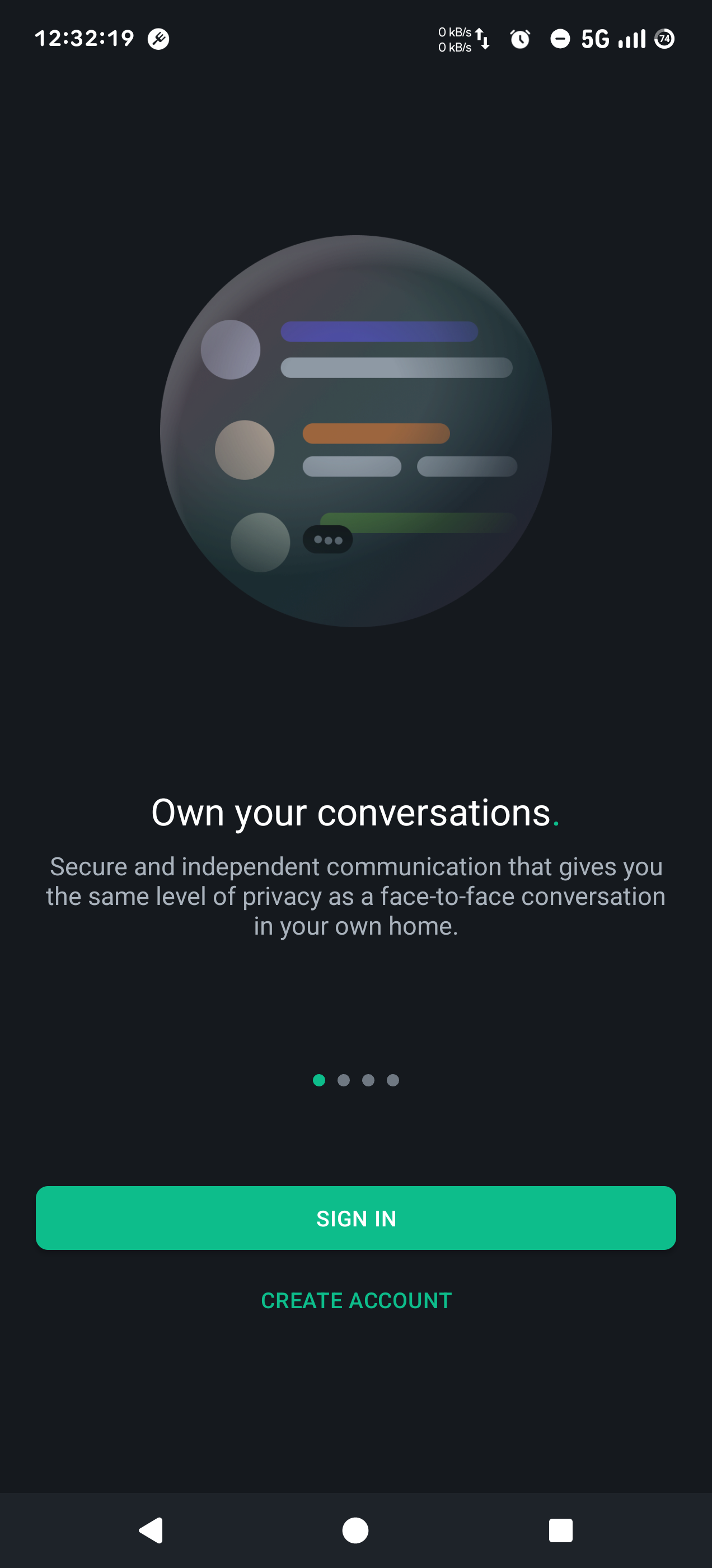
When you open the app, tap the Sign in button to configure element for the first time.
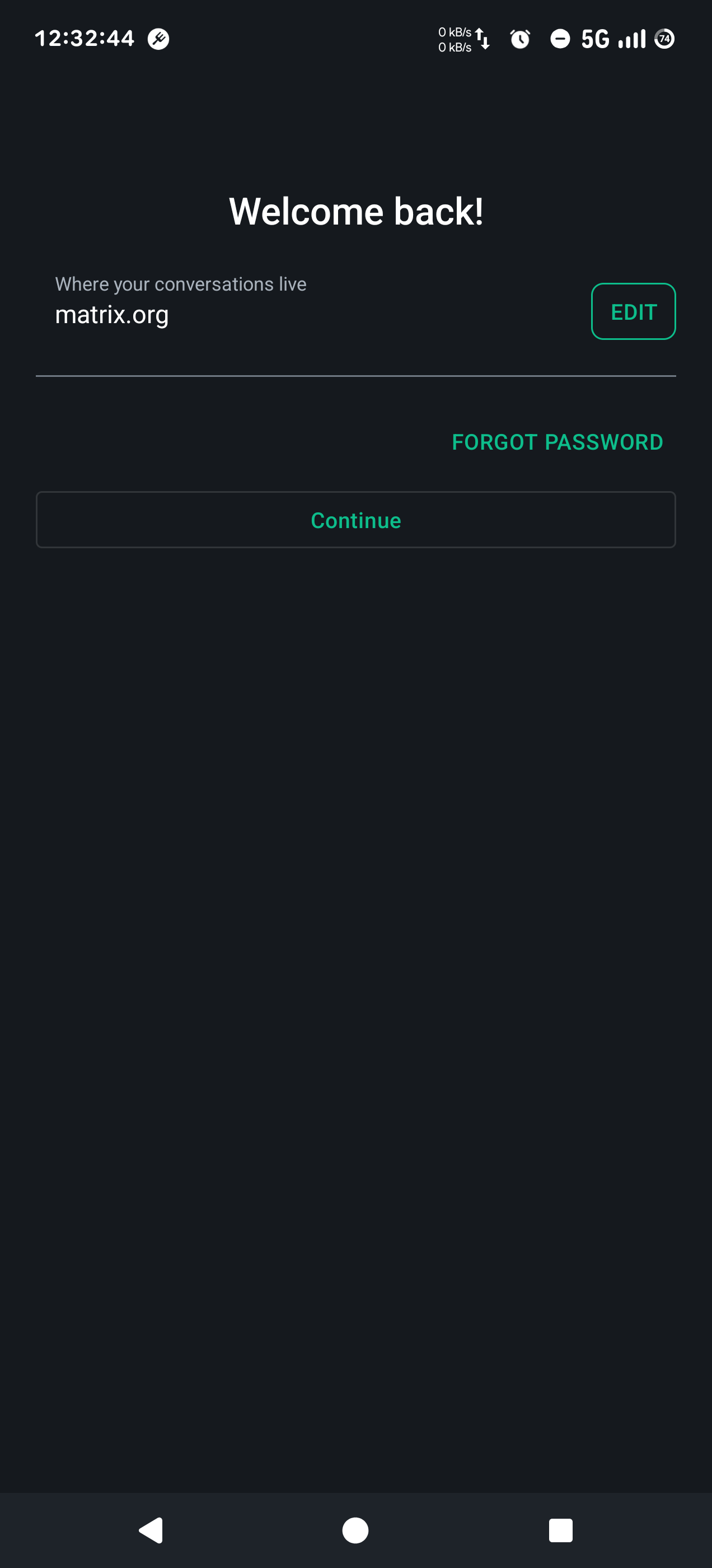
Select Edit, to configure the oblak homeserver.
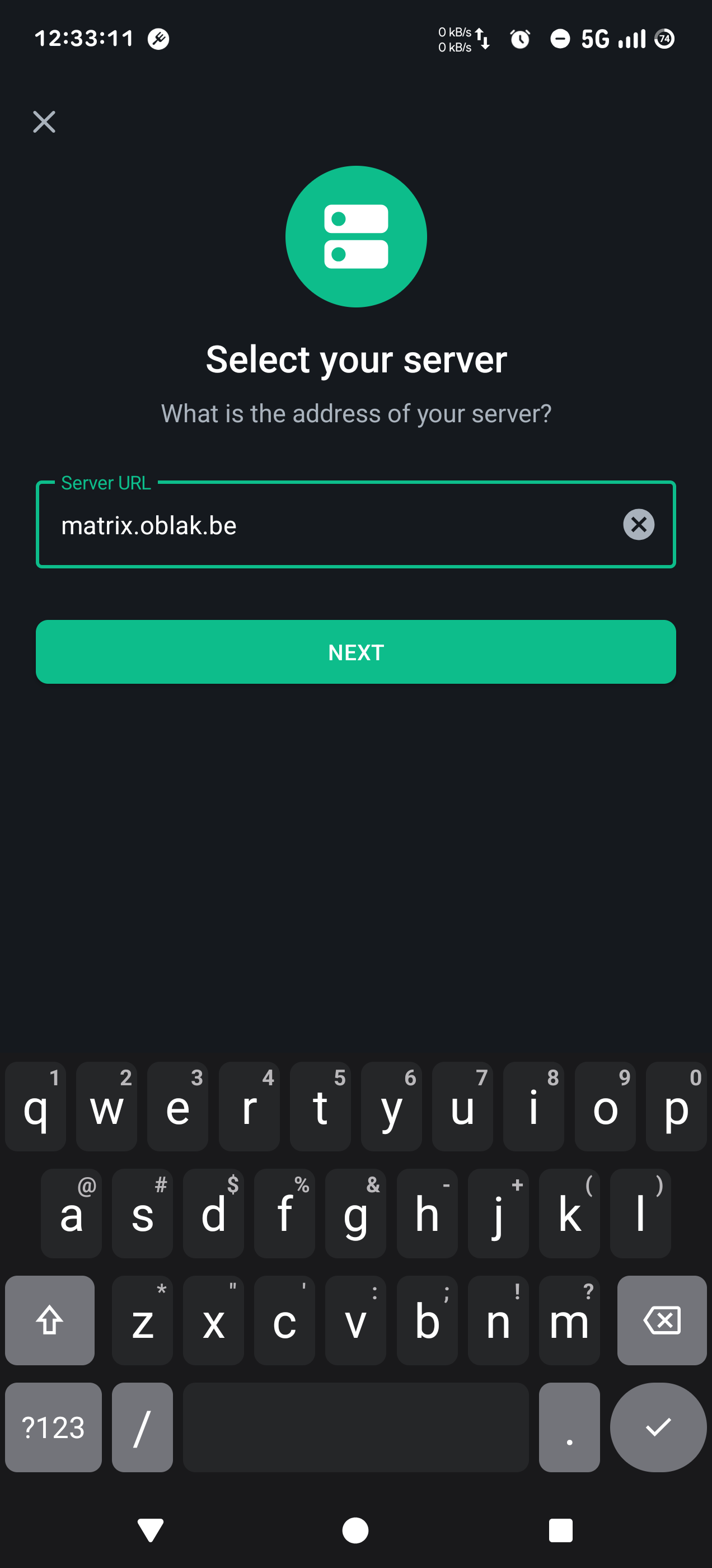
Fill in the server address, matrix.oblak.be, then tap Next.
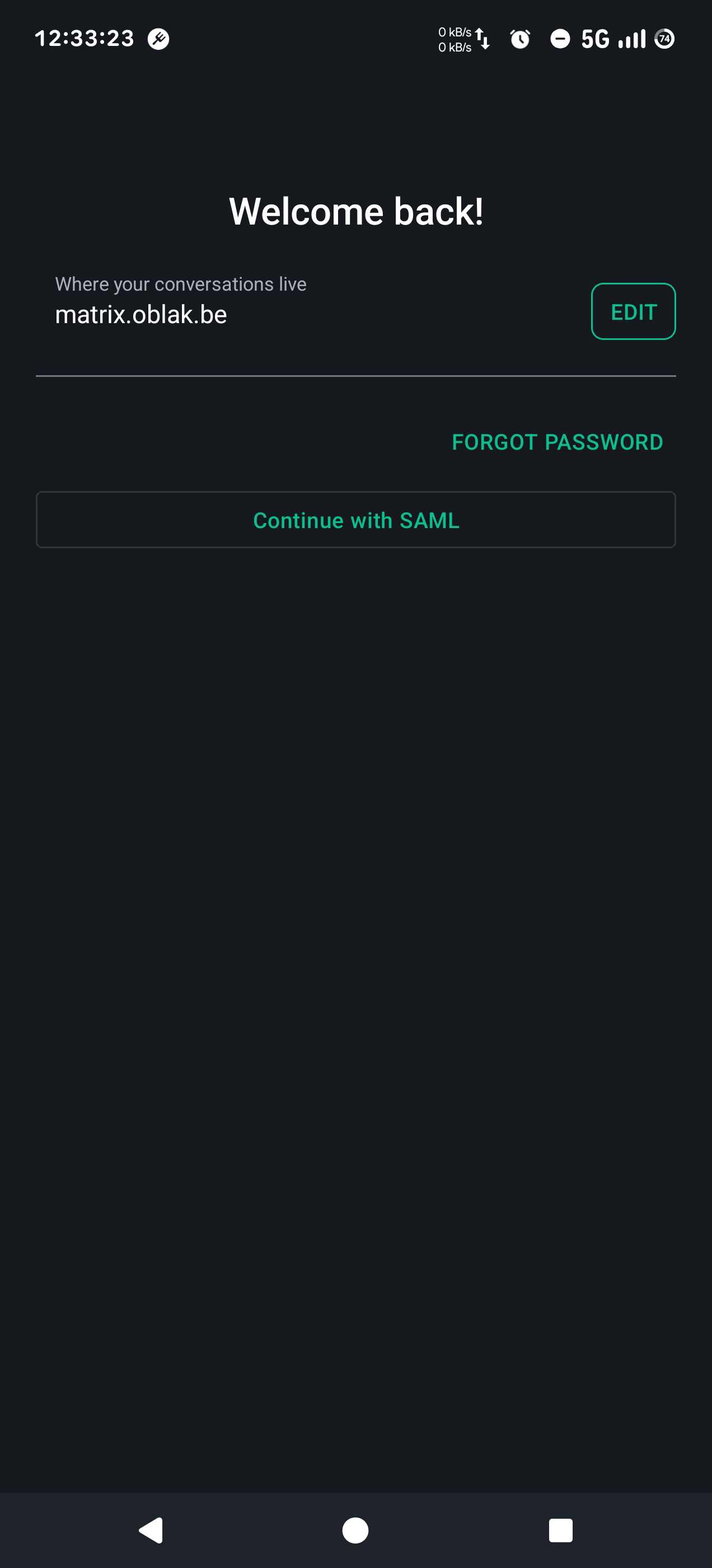
Tap Continue with SAML to login with your oblak account.
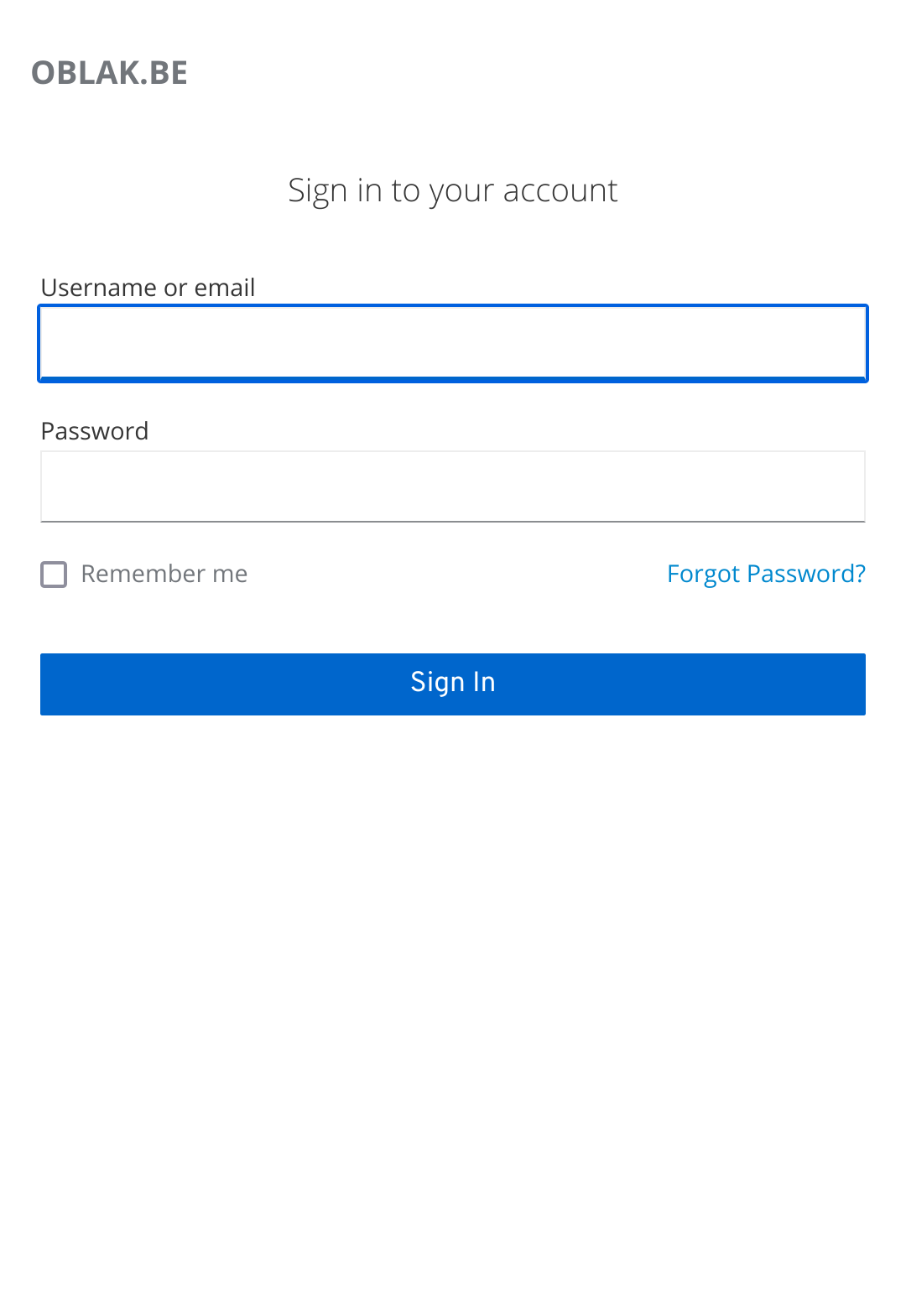
Enter the username and password for your oblak account.
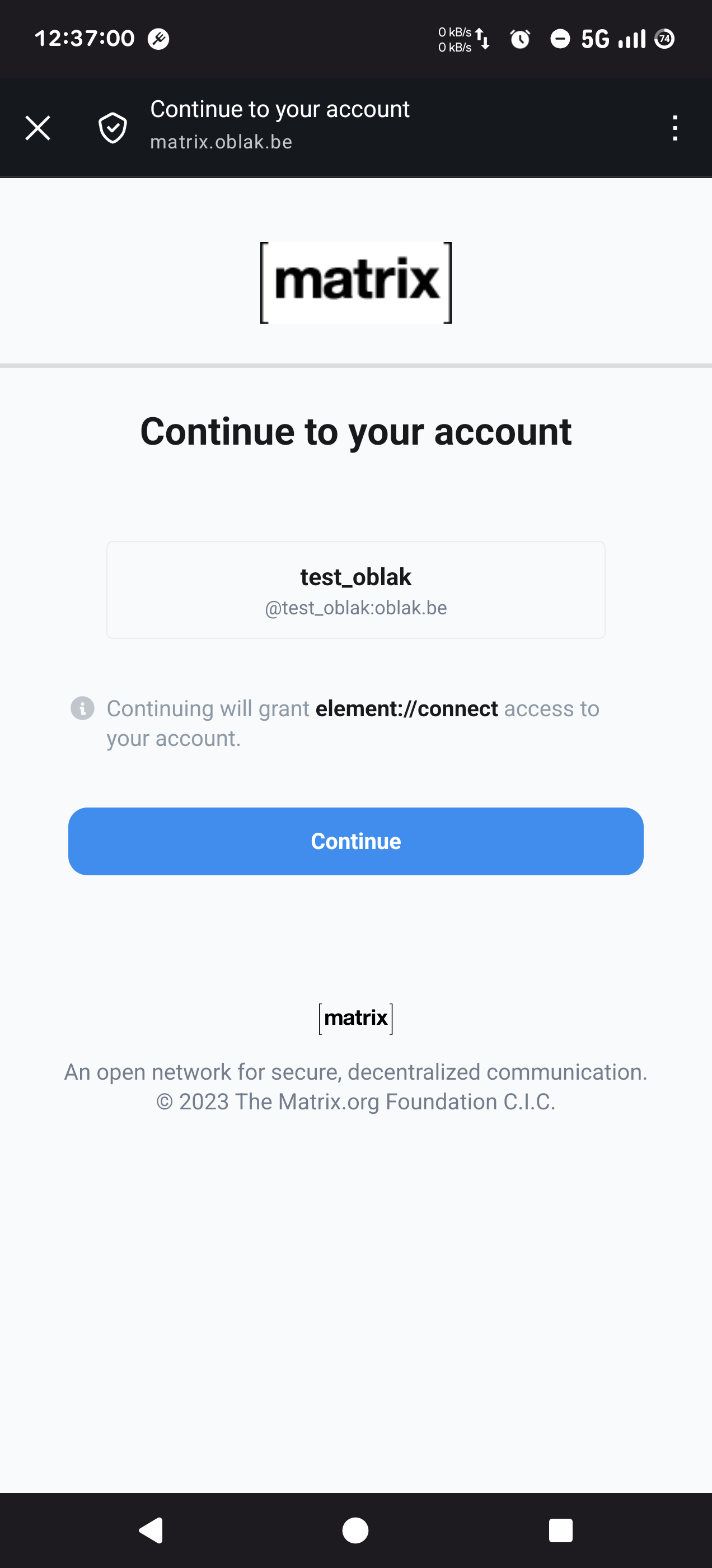
Confirm that you allow connection between the oblak identity and matrix server.
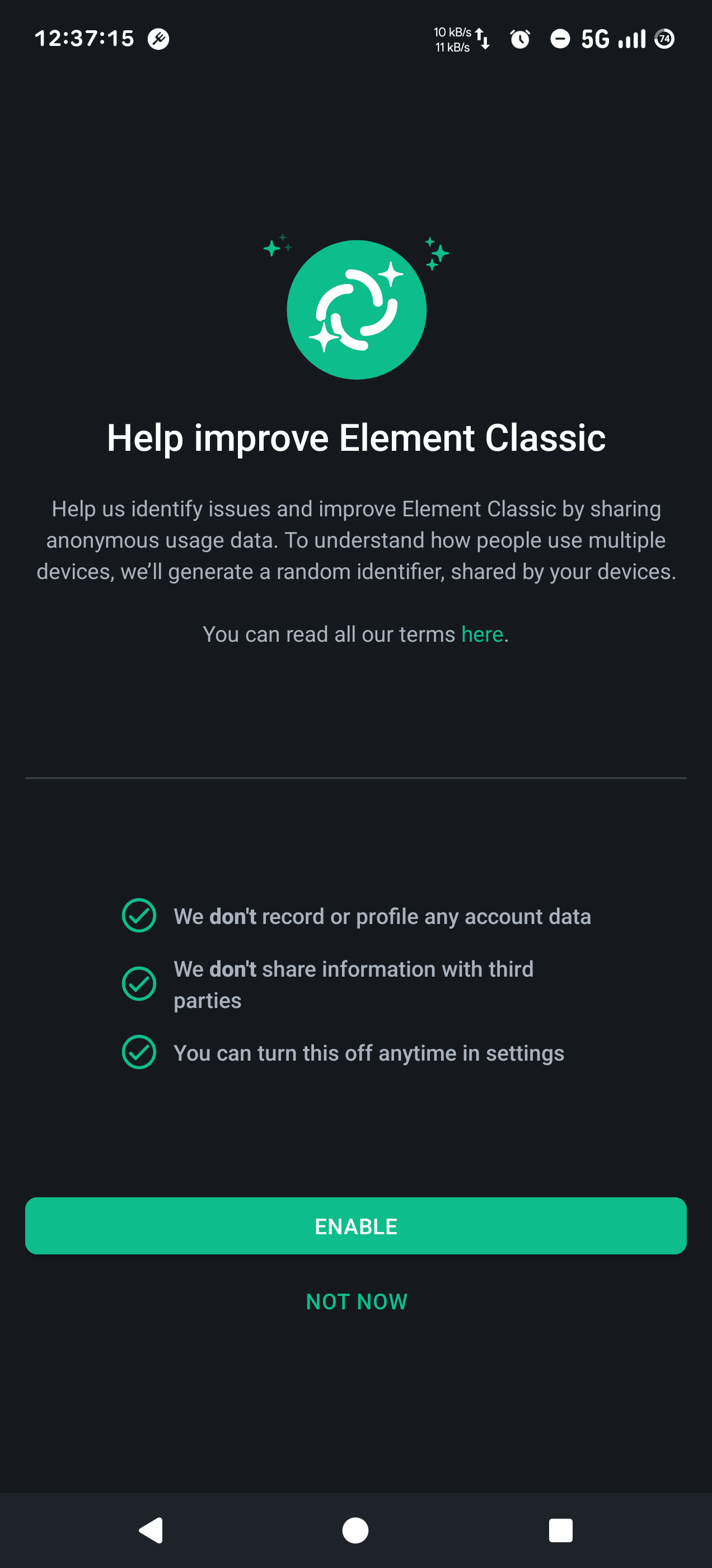
Tap Not now if you don't want to send telemetry to element servers.
Finally you arrive in the app's home screen 😎. Tap Encryption upgrade available to verify your device.
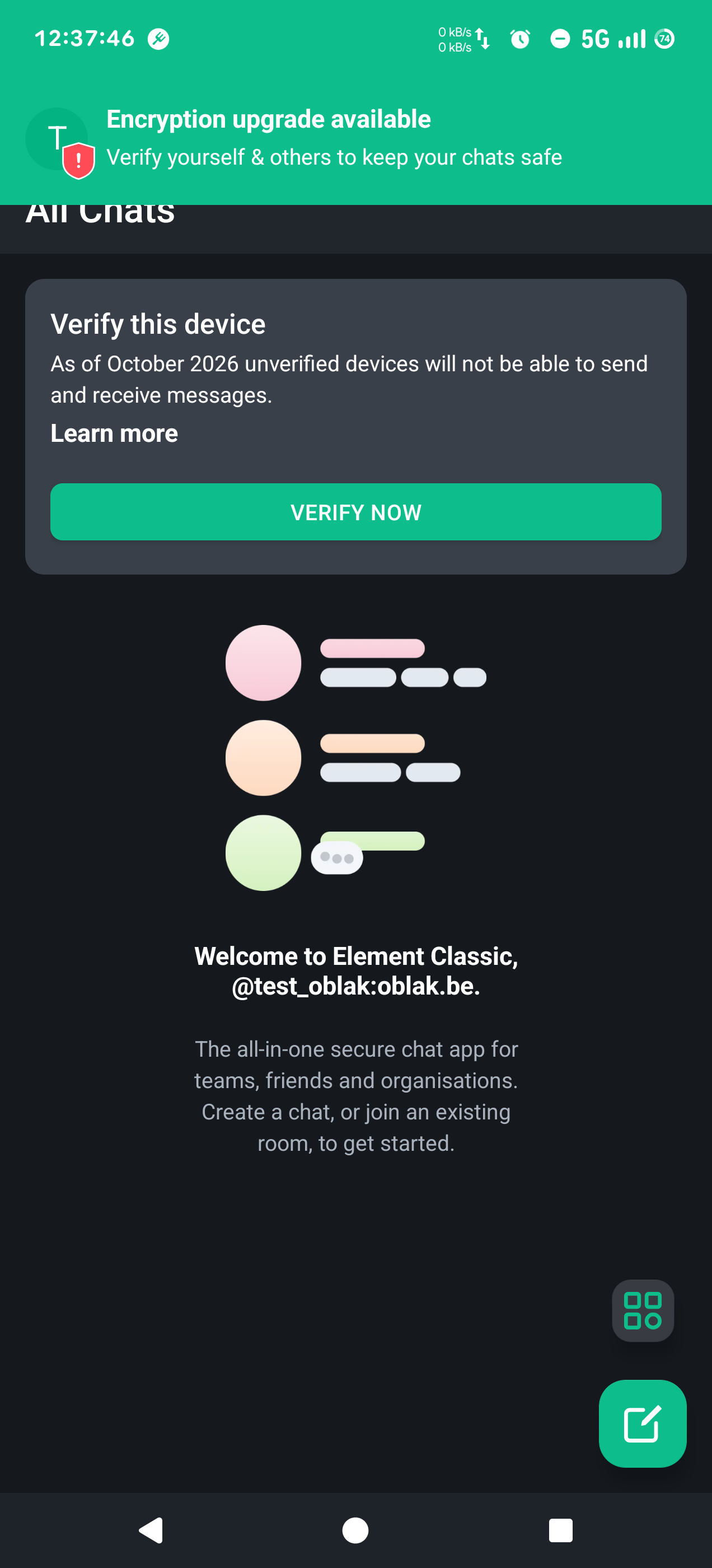
Next steps: configure messages backup, verify your device and join the conversation.